SKYHOP
A 3D flying-car stunt game on an endless sky strip — chain boosts, clear gaps, land tricks in slow motion and replay the line you took, all in one browser tab.
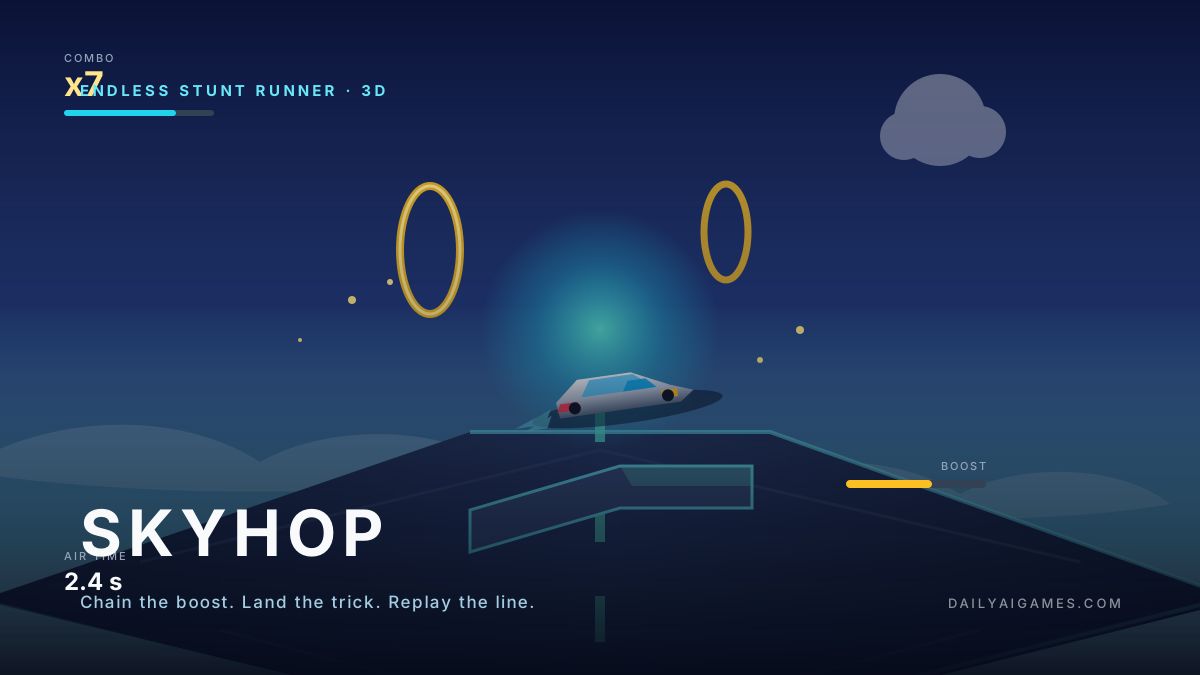
SKYHOP: 3D Flying Car Stunt Game
Play on AIGameShareOpens aigameshare.com in a new tab · free · no download
201 plays tracked on Daily AI Games
External game siteSKYHOP is not hosted on Daily AI Games. The button above opens an independently operated, free browser game on AIGameShare; its content, availability and controls are controlled by that site.
How to Play
Desktop: arrow keys or WASD to steer, hold Shift or Space to boost, and press the trick key as you leave a ramp to start a rotation. Release at the right moment to land clean and keep your combo. Gamepads and touch drag controls are supported. Every run ends with a replay of your best line.
These are the controls for SKYHOP. The external SKYHOP: 3D Flying Car Stunt Game version on AIGameShare may use slightly different controls.
Game Preview
About SKYHOP
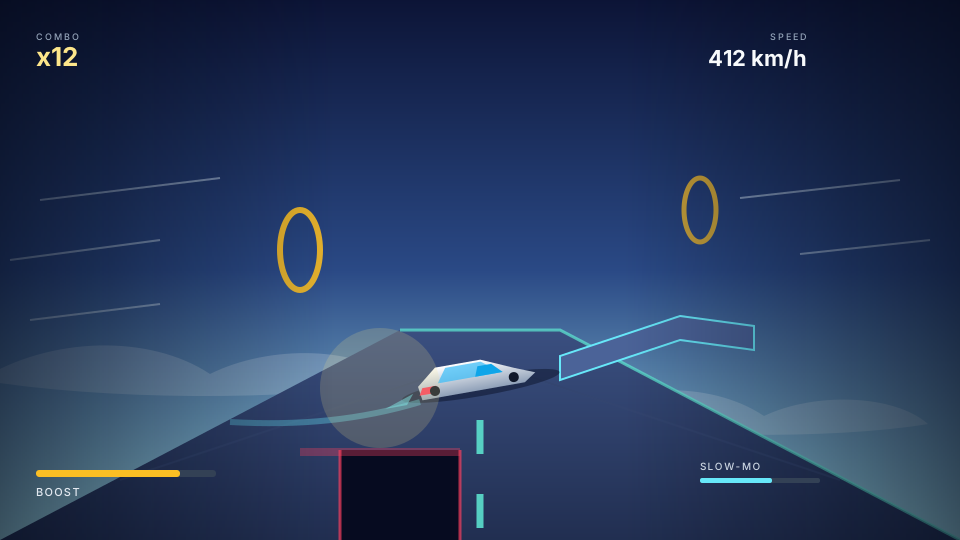
SKYHOP is a 3D flying-car stunt game that fits in a browser tab and takes about a minute to learn. You drive a hovering car along an endless strip of sky-lanes, chain boosts through rings and ramps, and land tricks before the road runs out underneath you. There is no open world and no menu of modes: the run starts the moment the page loads, and the whole game is one continuous line of ramps, gaps and moving hazards that rewards momentum over caution.
The trick system is the heart of it. Every jump launches you into the air, and the game scores the rotation, the height and the landing. A clean landing keeps your speed and feeds the combo meter; a sloppy one costs you the chain and sometimes the run. Slow motion kicks in around the biggest jumps so you can see the car turn, and a replay at the end shows the line you took. That combination — a visible combo counter, a moment of slow motion and a replay — is what turns a simple driving demo into something you want to run again.
Controls are deliberately forgiving. On desktop you steer with the arrow keys or WASD, hold a key to boost and tap the trick button as you leave a ramp; air control is generous enough that a first-time player can land something. On a phone the car follows a thumb drag and the boost and trick buttons sit within reach. Gamepads are supported too, which makes SKYHOP one of the few browser games that feels equally natural on a couch and on a train seat.
SKYHOP was created by nilni and built with Claude Opus 5.5 in Claude Code, and the page cites twelve demo nights of iteration before the current build. It runs on Three.js with procedural track pieces and no downloadable assets. At the time of writing it was the third most trending game on AIGameShare with 201 plays for the week, and sessions average one to five minutes. If you have ever wanted a stunt game you can open in a second and close without losing anything, this is the one to try first.
How This Game Was Generated
Created by nilni and built with Claude Opus 5.5 in Claude Code. The game is a Three.js build with procedural track pieces, ring pickups, ramps, slow-motion trick scoring and an end-of-run replay. The creator cites twelve demo nights of iteration before the current version. At the time of writing it was third on the AIGameShare weekly trend list with 201 plays and sessions of one to five minutes.
The Prompt Behind This Game
Show the prompt used to generate SKYHOP
Build an endless 3D flying-car stunt game in ONE self-contained HTML file (inline CSS/JS). Three.js via a single pinned CDN import is the only library allowed; no external models, textures or audio files. The entire world is procedural geometry and code-generated colour. No start screen: the car is moving when the page loads.

Core loop:
- A hovering car drives along an endless strip of sky-lanes suspended above a cloud layer. The strip is generated in chunks ahead of the car and recycled behind it; never build the whole track.
- Ramps, gaps, moving hazard blocks and boost rings are placed by a seeded chunk generator. Guarantee at least one survivable line through every chunk and test that with a headless solver.
- Boost is a resource, not a free button: it drains while held, refills from rings, and raises both speed and jump height. Players should feel the trade-off between boosting into a ramp and saving it for a gap.

Trick and combo system:
- Leaving a ramp enters an AIR state. Rotation is controlled by steering input in the air; the landing angle is compared to the road normal.
- Score three things separately: air time, rotation amount and landing quality. A clean landing keeps speed and extends the combo; a bad landing cuts speed and resets the combo. Never end a run on a single bad landing unless the car actually falls.
- Trigger slow motion (0.35x for 0.9s) only on jumps above a height threshold, and never during input that would change the outcome — slow motion is a reward camera, not a difficulty spike.
- Record the last 12 seconds of position and rotation and play it back as a chase-camera replay on the end screen. The replay is the retention hook.

Feel and feedback:
- Camera: low chase cam that widens field of view with speed, plus a small look-ahead into the next ramp. Add 1.5 degrees of roll on turns and return to level with easing.
- Screen feedback: speed lines at high velocity, a combo meter that pulses on extension, a landing shockwave ring, and a short chromatic aberration flash on a perfect landing. Cap shake at 2px.
- Palette: one cool sky ramp, one hot accent for boost and one warning colour for hazards. No more.
Platform and controls:
- Desktop: arrow keys or WASD to steer, hold Shift or Space to boost, a trick key to start rotation in the air. Gamepad support with the same mapping.
- Mobile: drag anywhere to steer, with boost and trick as large thumb buttons; safe-area padding and touch-action none. Portrait and landscape both playable.
- Respect prefers-reduced-motion by disabling speed lines, camera roll and slow motion while keeping scoring identical.
Performance and testing:
- Target 60fps on a mid-range phone: pooled chunks, instanced road segments, no per-frame allocation, and a hard cap of 12 draw calls per chunk.
- Run a headless simulation of 30 runs with random input and report: chunks with no survivable line, average combo length, deaths caused by an unavoidable gap, and the frame-time p95.
Deliver in stages: drivable car first, then chunk generation, then ramps and gaps, then tricks and landing scoring, then slow motion and replay. Print the scoring table and the chunk-solvability report at the end.
Open in the prompt library for tips and variations
Similar AI Games
 Arcade Games
▶ 567 plays
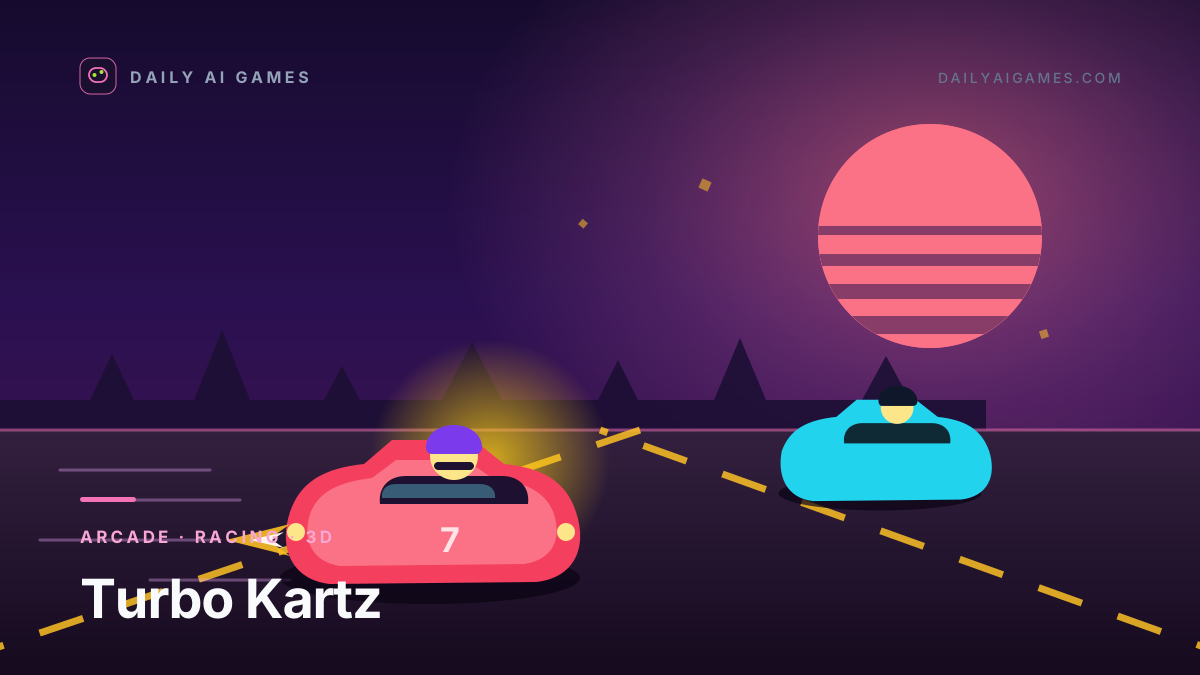
Turbo Kartz
A cartoon kart racer for one to four players, with split screen, real gamepads, TV remote support and four tracks — all in a browser tab.
Play now
 Arcade Games
▶ 548 plays
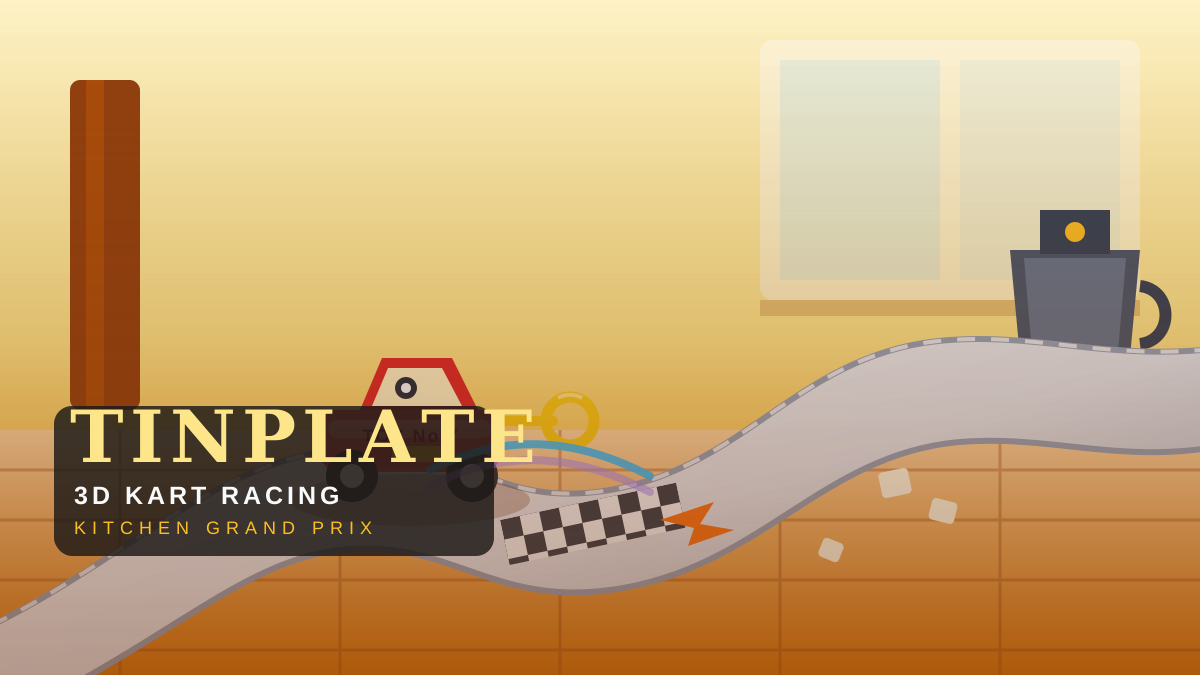
TINPLATE 3D Kart Racing: Kitchen Grand Prix
A 3D kart racer on a giant mid-century kitchen floor. Six wind-up tin toys drift to wind their clockwork keys, fire sugar-cube items and race a four-round Kitchen Cup.
Play now
 Arcade Games
▶ 450 plays
SIDEKICK
A first-person motorcycle arcade game where your only weapon is your boot. Kick traffic, domino cars into guardrails and outrun the police on a sunny highway.
Play now
 Arcade Games
▶ 100 plays
GREAT WAVE: Surf The Great Wave off Kanagawa
An eight-oared surf run through Hokusai's Great Wave: read the spray for score, row to outrun the collapsing foam and chase eight waves toward Mount Fuji.
Play now
Articles About SKYHOP
Nov 1, 2026
SKYHOP: The 3D Flying-Car Stunt Game Turning a Browser Tab Into a Test Site
SKYHOP turns a browser tab into a 3D stunt course: endless sky-lanes, boost rings, slow-motion tricks and a replay of every run. Here is how it was built with Claude.
Oct 19, 2026
AI-Generated Browser Games Worth Knowing: October–November 2026
From a 12-hour sports hit and a weekend MMO to fifteen new browser games — a tin-toy kart racer, a spherical sailing sim, an art-print surf run and more.
Oct 15, 2026
The 10 Best AI Games to Play Online Free
Ten AI-generated games you can play online free right now — arcade, puzzle, strategy and endless runners, all built from text prompts and playable in your browser.
