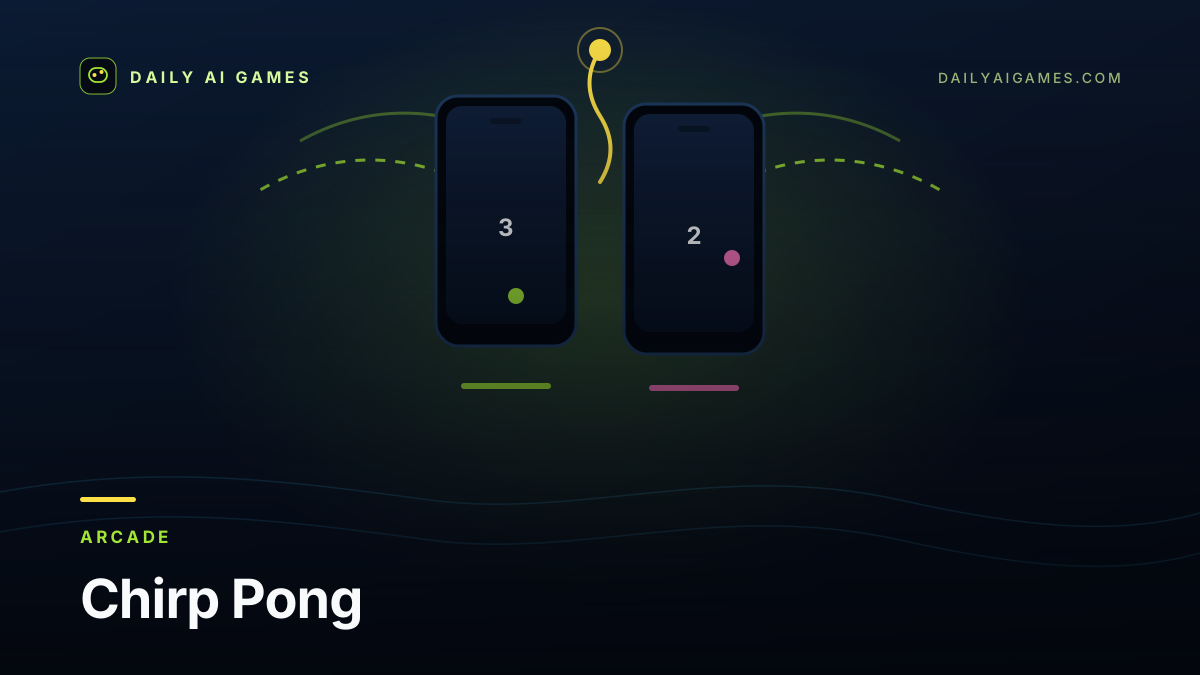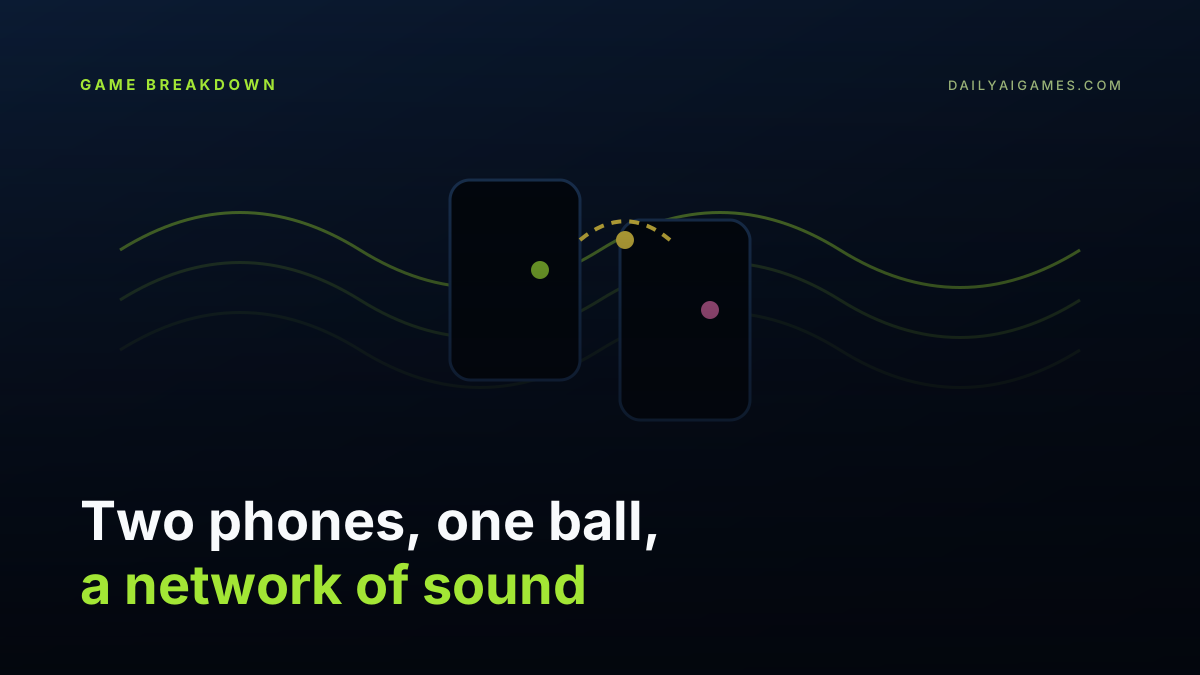
Most browser multiplayer demos begin with a server. Chirp Pong begins with two phones lying top-to-top on a table and a chirp.
Open the page on both devices, tap Call on one, and the other answers by itself. From that moment the two phones are paired using nothing but their speaker and microphone. There is no Wi-Fi, no Bluetooth, no account and no server. When you hit the ball through the portal at the top of your screen, your phone chirps it across and it bursts out of the top of your partner’s screen. You hear it leave and arrive.
It is the kind of idea that sounds like a party trick until you play it. Then it becomes the most interesting multiplayer experiment of the month.
What Chirp Pong actually is
Chirp Pong is a two-player paddle game built by Simon Willison and published on 15 October 2026. It was made with Claude Opus 5.5 Extra in Claude Code and shipped as a static HTML page — the sort of thing that costs nothing to host and will still work whenever someone opens the file.
Each phone is one half of the court. The top edge is a portal rather than a wall, which is the design decision that makes the whole concept legible: the ball does not bounce off the top of your screen, it leaves your screen and enters your partner’s. The chirp is not decoration; it is the transport.
There is also a practice mode against a CPU, so you can test the game with a single phone, and you can choose a match length of 7, 11 or 15 points. The loser serves. The game pauses when the tab loses focus.
How the sound link works
The technical core is a small audio modem. One phone calls, the other listens, and a short handshake establishes that both devices can hear each other. After that the phones exchange tiny encoded packets: the ball launch, paddle position and hit events. The receiving side decodes the chirps with a matched filter and acknowledges what it heard. If a packet is lost, the protocol retries instead of letting the match quietly desynchronise.
That last detail is what separates a demo from a game. Sound is a lossy, noisy channel. Rooms echo, phone speakers distort, microphones apply automatic gain control, and a silent switch can mute the whole thing. The pairing screen handles the physical setup explicitly: turn the volume all the way up, switch off silent mode, lay the phones a few centimetres apart. If pairing fails, the game tells you and lets you retry.
The result is a link that carries very little data, very slowly, and still feels immediate. Pong only needs to know where a paddle is and when a hit happened. The ball’s position between events can be interpolated. The design fits the transport instead of fighting it — which is the real lesson.
The mechanics that make it more than a gimmick
A sound link alone would be a novelty. Chirp Pong adds enough game around it to keep two people playing:
- Angle and spin. Hitting with the paddle’s edge changes the angle, and swiping sideways as you connect adds spin that keeps curving on the other screen.
- Smash. Flick upward into the ball to hit it harder.
- Trick gems. Knock the ball through a gem to load an effect that fires on your opponent’s side: a speed boost, invisibility through the middle, a mirage that splits the ball in three, a bomb that stuns the paddle, a vortex that bends the path, mirrored controls, or a paddle shrunk to half size.
- Heat. Long rallies heat the court. Six or more hits makes the point worth double; twelve or more makes it worth triple.
- Bombs. Every return charges a meter. When it is full, tap the opponent’s court to drop a bomb lined up with your tap.
None of these need the network to carry much more than it already does, but they turn a rally into a story. The gem system in particular is clever: the effect is decided locally and executed remotely when the ball arrives, so the transport only has to deliver a tiny instruction.
Why build it this way?
Willison’s stated interest is static HTML that costs nothing to host. A normal two-player game needs a server, a matchmaking layer and ongoing costs. A sound-paired game needs none of that. The page is a file; the “network” is the room.
That constraint is also a provocation. Browsers now have microphones, speakers, Web Audio, WebGPU and installable PWAs. Most web games use a fraction of that surface. Chirp Pong is a reminder that local hardware can be the mechanic, not just the input device.
What to copy if you are building your own
The new prompt Two-Device Pong Paired Over Sound captures the build in a reusable form. If you only take three things from it, take these:
- Build the transport first. Get a handshake, one packet type and an acknowledgement working before you add a single gameplay feature.
- Ship a single-device mode. Practice against a CPU makes the game testable when you do not have a second phone, and it is the fastest way to debug the game loop separately from the modem.
- Make pairing a visible state machine. Idle, calling, listening, paired, failed. Users need to know whether the problem is the game or the room.
The companion skill is patience with audio. Test on real phones, in a real room, at the volume real people use. A laptop in a quiet office is not a valid test environment.
Honest limits
Chirp Pong is not netcode, and it does not pretend to be. It needs two phones, working speakers and microphones, and a reasonably quiet space. A noisy café will break it. It carries a tiny amount of state at a low rate, which is fine for Pong and useless for a shooter.
It is also, deliberately, a small game. You will not play it for an hour. You will play it for five minutes, laugh at the fact that the ball just chirped across the table, and then show it to someone else. That is a complete experience, not a short one.
Verdict
Chirp Pong is the most surprising free browser game of the month because the surprise is structural rather than visual. Two phones, one ball, and a network made of sound is a better idea than most games built with a full backend. Open it on two phones, put them top-to-top, and turn the volume up.